Automation
Growtopia proxy autofarm, auto plant, and auto harvest with profile presets.
Growtopia proxy
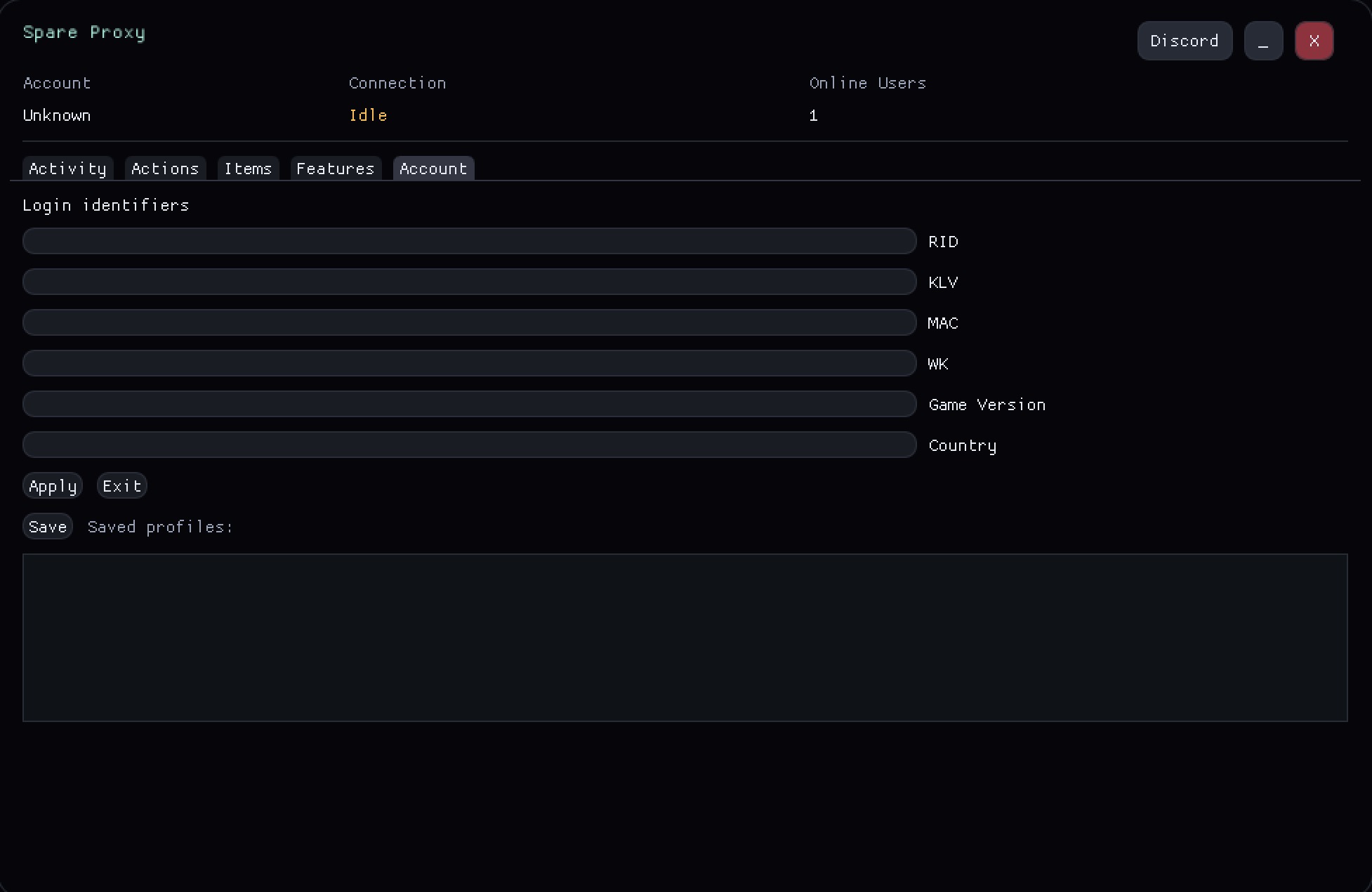
Autofarm, instant commands, and routing in a lightweight Growtopia proxy dashboard built to stay out of the way.
Core tools
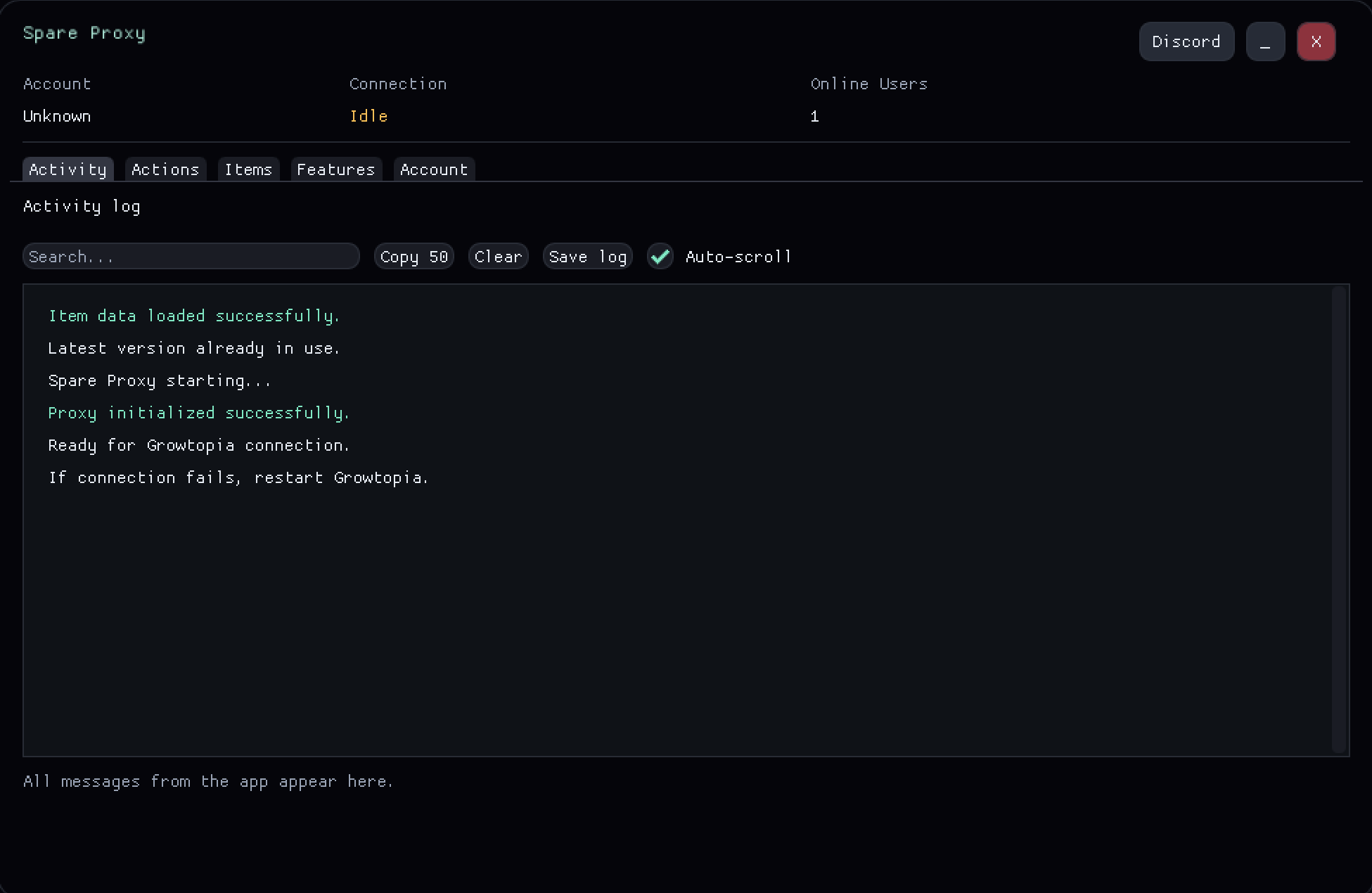
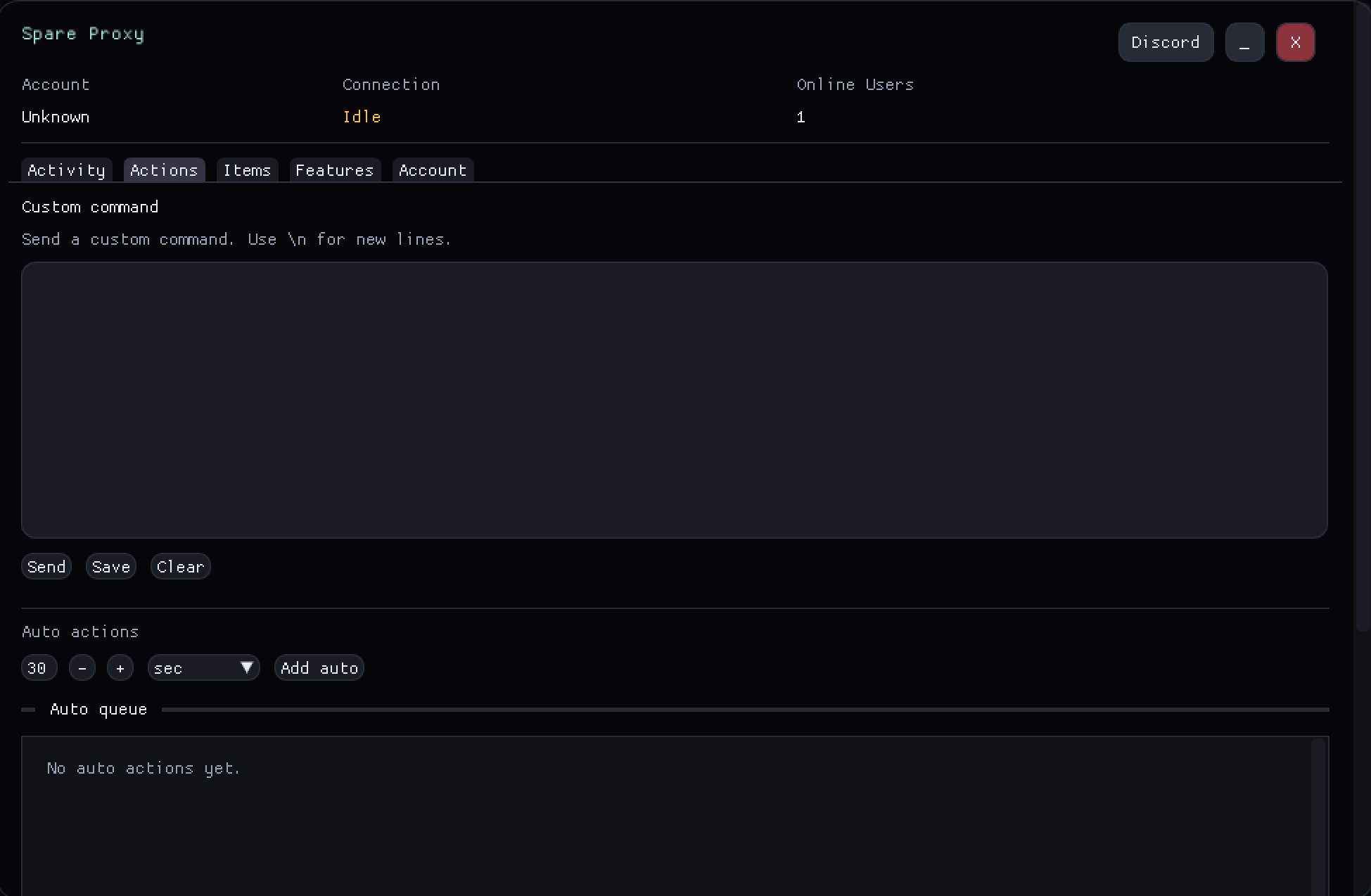
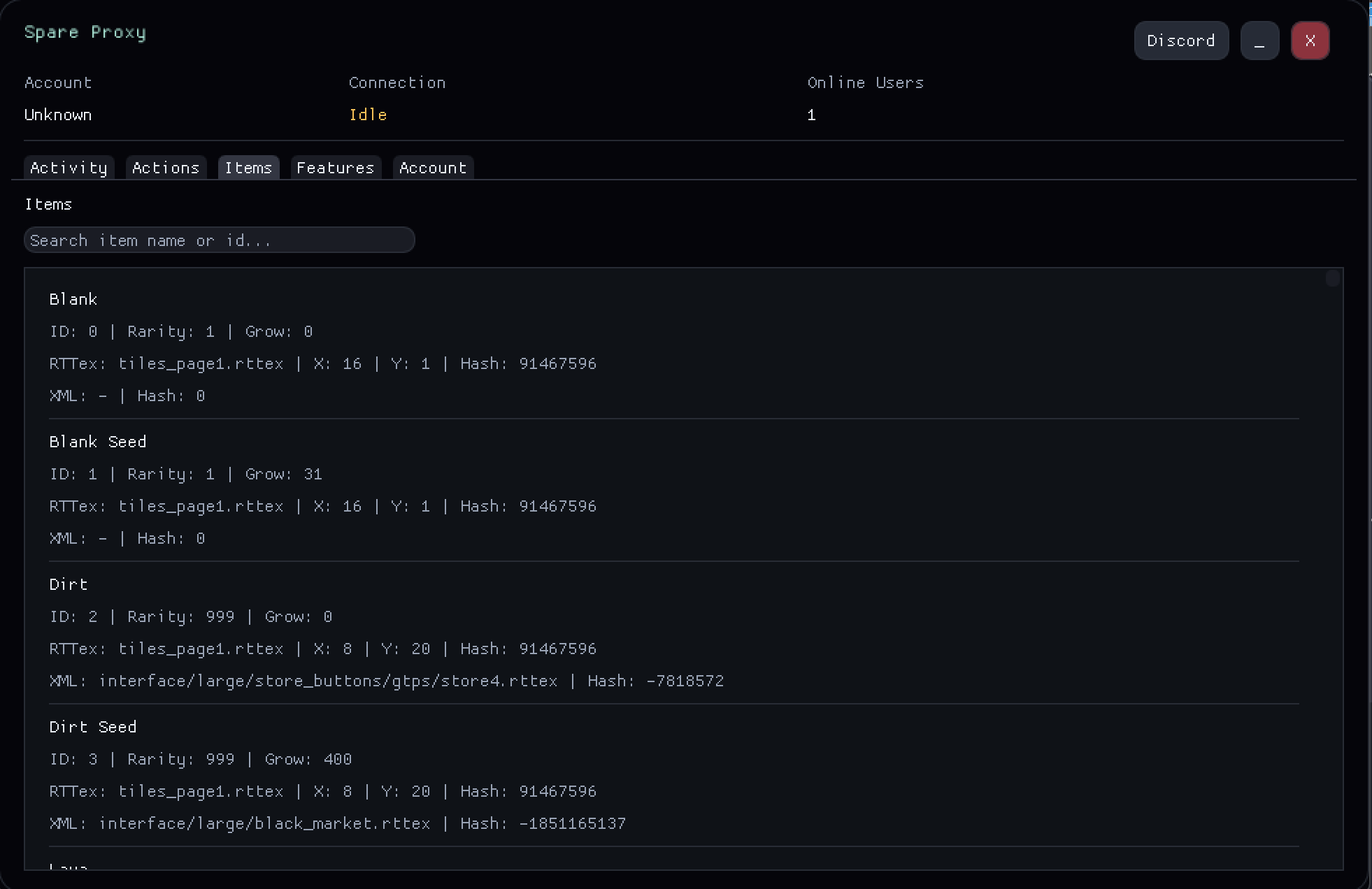
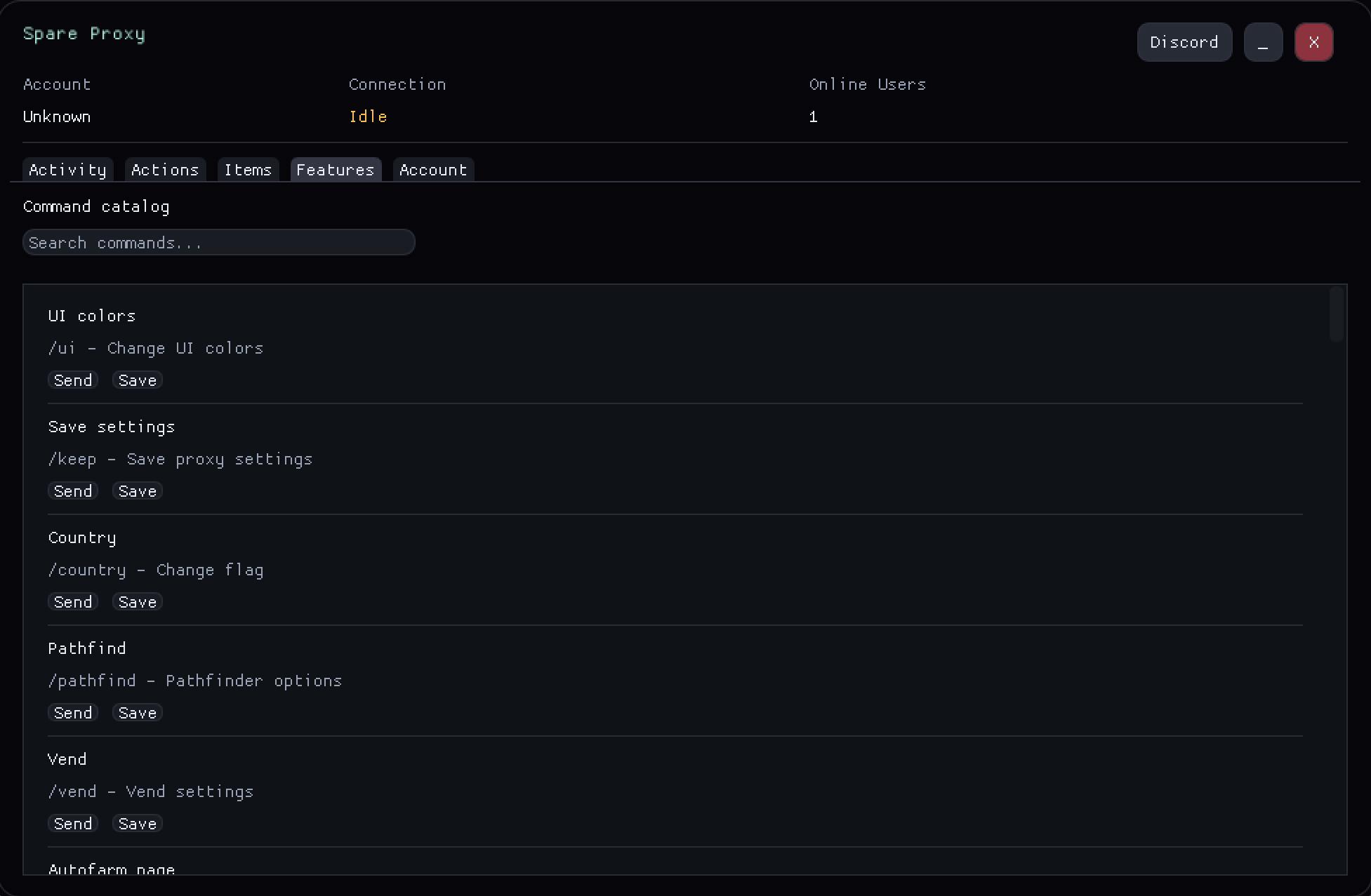
Preview
Discord
Features
Spare Proxy keeps the Growtopia proxy toolset tight so you can farm, host, and manage worlds fast.
Growtopia proxy autofarm, auto plant, and auto harvest with profile presets.
Growtopia proxy moderation and world tools from a clean command palette.
Low-latency routing and visual tweaks that keep the Growtopia proxy lightweight.
Download
One lightweight exe. Launch, log in, and play with the Growtopia proxy.
Need the latest build? Visit the Growtopia proxy update page.
Spare Proxy is a Growtopia proxy server that sits between the game client and the network so traffic can be routed through a dedicated proxy for Growtopia. After you download the Growtopia proxy, launch it before the game and sign in; the Growtopia connection proxy then handles login, world joins, and command routing in one place. This keeps the workflow simple while still exposing automation profiles and quick controls.
For stability, the proxy keeps sessions lightweight and focuses on predictable reconnect behavior. Growtopia proxies perform best when routing stays clean and consistent, so Spare Proxy minimizes extra overhead and watches connection health to reduce drops during farming, trading, or world management. If a network hiccup occurs, the proxy restores the session quickly without forcing a full reconfiguration.
Routing is tuned for regional performance. Whether you connect from North America, Europe, or Asia-Pacific, the proxy selects paths that aim for lower latency and steadier ping. That region-aware routing helps the proxy for Growtopia stay responsive when switching worlds, running commands, or handling automation timers.
The app is optimized for Windows 10/11 and runs with a low footprint so the game stays smooth. Compatibility with new Growtopia builds is maintained through frequent releases, and the update workflow is straightforward. Visit the Growtopia proxy update page for the newest build, and review the features and download sections to confirm the tools you need.
If you need setup help or want to compare workflows, start with the on-page install steps and feature overview, then grab the latest build from the update page. For support links and troubleshooting notes in one place, open the Growtopia proxy Discord support page. The community support channel is available for troubleshooting, but most users can follow the checklist and be ready in minutes.
For keyword-focused pages, visit the Growtopia proxy server page, the Growtopia proxies page, the proxy for Growtopia setup page, and the Growtopia connection proxy troubleshooting page. These pages cover routing, regions, stability, and compatibility in more detail while keeping downloads and support links consistent.